
How to Manage Your Privacy in ChatGPT Search
Manage your privacy in ChatGPT Search with practical steps for training controls, memory, location sharing, Temporary Chat and data deletion.

Managing your privacy in ChatGPT Search takes more than turning off a single setting. Model training, saved memories, conversation history, location permissions and information sent to search providers are separate controls. Changing one does not automatically change the others.
The most useful starting point is to decide what must stay out of the search process. A public product question needs fewer precautions than research involving a client, a medical concern or an unpublished business plan. Even a rewritten search query can reveal sensitive details if those details are necessary to answer your question.
This guide separates the controls you can change from the information you should avoid submitting in the first place. Menu names and available features can vary by account, app version and workspace, so check the current settings and linked documentation before handling confidential material.
Understand what ChatGPT Search actually searches
Not every search inside ChatGPT involves the public web. The distinction matters because each activity has different privacy implications.
| Activity | What it searches | Main privacy consideration |
|---|---|---|
| Web search | Information available through web sources and search providers | Search queries and location context may be sent outside the conversation service |
| Chat history search | Your previous conversations | Sensitive information may remain accessible in saved chats |
| File or connected-source search | Uploaded documents or authorized external sources | File contents, permissions and the connected service’s rules matter |
A request can also combine these activities. For example, an answer might draw on an uploaded document and then search the web for additional information.
ChatGPT can search automatically when it considers web information useful, rather than only after you explicitly select a search control. Do not assume that leaving the search button untouched guarantees an entirely internal exchange. If material cannot leave an approved environment, keep it out of a request that might trigger external retrieval.
Know what can reach search providers
According to OpenAI’s search documentation, ChatGPT Search can rewrite a request into one or more queries for third-party search providers. Relevant context can influence those queries, including information from memory when enabled.
OpenAI says it may share general location information to improve results, but does not share your IP address itself or ChatGPT account information with third-party search providers for this purpose. That distinction is useful, but it does not make the query harmless: its wording can still contain identifying information.
For example, a request containing a person’s name, employer and unusual medical condition could be revealing even without an account identifier attached.
Remove unnecessary identifying details before submitting the prompt. Replace client names with roles, exact addresses with broader areas and confidential project names with generic descriptions. Preserve only the information needed to find useful public sources.
A safer request would be: “Find public guidance on parental leave policies for small US employers.” It does not need an employee’s name, salary or private correspondence to produce a useful starting point.
Turn off model training separately from chat history
For a personal account, open Settings, then Data Controls, and look for Improve the model for everyone. Turning this off prevents new conversations from being used to improve OpenAI’s models under the applicable consumer data controls.
This setting does not delete existing chats, remove saved memories or stop the processing needed to answer a request. It also does not prevent ChatGPT Search from contacting search providers when web retrieval is used.
OpenAI’s Data Controls FAQ explains the distinction between training preferences and conversation history. You can keep chats in your history while opting out of model improvement.
There is another detail worth checking before submitting sensitive feedback: OpenAI says that when you voluntarily provide feedback, the associated conversation may be used for training even if you have opted out. Avoid assuming that a thumbs-up or thumbs-down sends only the rating.
Treat the training preference as one layer of protection, not permission to upload information that your employer, client or professional obligations require you to keep confidential.
Use Temporary Chat for one-off research
Temporary Chat is useful when you do not want a conversation appearing in your history or contributing to personalized memory. OpenAI says these conversations are not used to improve its models.
However, Temporary Chat is not an anonymous browsing mode. OpenAI’s documentation describes possible retention for up to 30 days for safety purposes, and legal requirements can affect retention. External services involved in a request may have their own policies.
When using ChatGPT Search in a Temporary Chat, the service still needs to process your request and obtain web information. The mode changes history, memory and training behavior, not the basic need for search processing.
Temporary Chat may also follow enabled custom instructions. If those instructions contain your employer, home location or personal background, review them before assuming the conversation starts without identifying context.
Use OpenAI’s Temporary Chat FAQ to confirm the current behavior and retention qualifications. For highly sensitive research, reducing the information you submit remains more dependable than relying on the session mode alone.
Review memory, personalization and connected sources
Memory can make answers more relevant, but remembered details may also affect how a web query is formulated. A broad request about nearby services could become more specific because the system already knows your city or preferences.
Review the personalization settings available to your account. Depending on your plan, these may include saved memories and references to past chats. Also inspect custom instructions for information you no longer want used as background context.
Turning memory off does not necessarily delete information already saved. OpenAI’s Memory FAQ explains that fully removing remembered information can require deleting both the saved memory and the conversation where you shared it.
Before using ChatGPT Search for a sensitive topic, consider whether personalization is necessary at all. A fresh conversation with minimal context is often easier to control than a long thread containing personal details.
Connected apps and uploaded files deserve a separate review. Disconnect sources you no longer need, and do not authorize broad access to work documents merely to answer a question that public sources could resolve.
Share only the location detail the task requires
Location can improve local results, but different levels of precision serve different purposes. A country may be enough for tax guidance, a city for travel planning and a neighborhood for finding a nearby service.
OpenAI documents general location use based on information such as IP addresses. Where precise device location is offered, review both ChatGPT’s permissions and the relevant browser or operating-system settings. Denying precise location does not necessarily prevent an approximate location from being inferred.
You can also disclose a location directly through your wording. Revoking a device permission does not remove an address you typed into an earlier message.
For a Kyoto trip, start with “Find family-friendly restaurants near Kyoto Station” rather than supplying a hotel booking confirmation containing your name, dates and reservation number. For research near home, use a district or nearby landmark instead of your full address when that is sufficient.
With ChatGPT Search, the practical rule is to start broad and add detail only when the results genuinely require it. If you change permissions later, remember that the change does not itself erase information already submitted.
Check the privacy policy of websites you visit
The privacy boundary changes again when you open a search result. The destination website can apply its own cookie, analytics, account and contact-form practices. Your ChatGPT training preference does not control those activities.
A travel search provides a useful example. Before submitting an inquiry to a site such as Japan Hand, review its privacy policy for information about personal and usage data, cookies, retention, third-party services and privacy contacts. Apply the same checks to any booking, shopping or research site you reach through an AI answer.
A citation is a source link, not a privacy endorsement. Check the destination domain before entering personal information, and consider whether you need to create an account or complete a form at all.
This also applies to links you share with other people. Inspect any conversation-sharing preview carefully rather than assuming it contains only the final answer and none of the context that produced it.
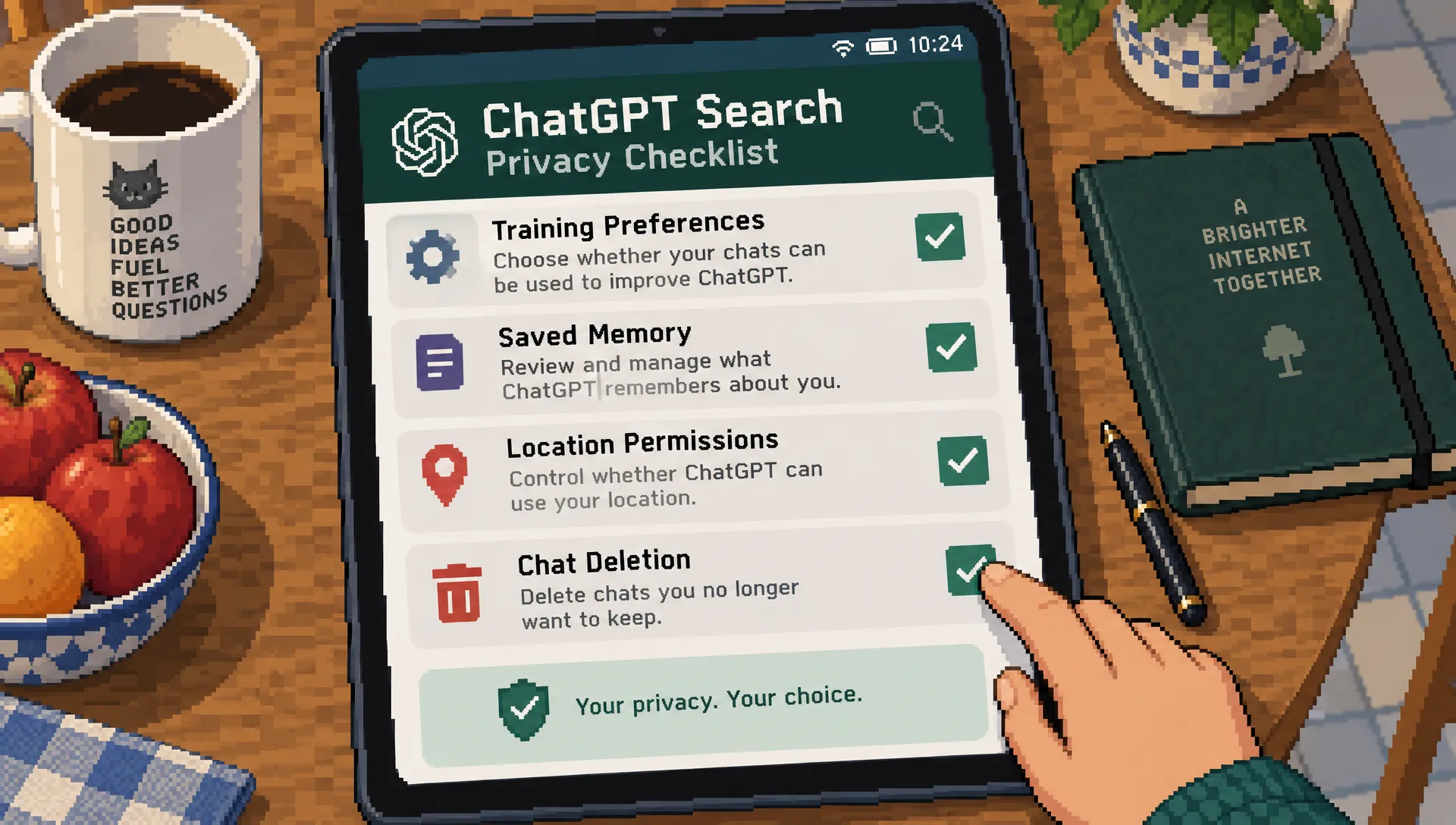
Delete information from the right places
Once information has been submitted, removing it may require several actions rather than a single deletion. Start by identifying where the information exists.
- Conversation history: Delete the relevant chats instead of archiving them. Archiving keeps a conversation stored in the account.
- Saved memory: Remove any separately saved facts through the memory controls.
- Files and connected services: Check whether uploaded files remain in another account area, and review permissions or copies held by external services.
- Shared conversations: Review and remove shared links where applicable, recognizing that another person may already have copied the content.
Deleting a ChatGPT Search conversation does not instantly remove every related record from every system. OpenAI documents retention periods and exceptions, while external providers and destination websites have their own obligations and practices.
Do not treat disabling training as retroactive deletion, either. It controls eligible future use under the stated policy; it is not a general mechanism for reversing past processing.
If you need a record for compliance or personal reference, consider exporting the relevant account data before deleting it. Store that export securely, because it creates another copy of the information you are trying to manage.
Check workplace rules before searching with business data
Personal account settings are not a substitute for an organization’s approved research environment. OpenAI states that business offerings such as ChatGPT Business and Enterprise do not use business data for model training by default, as described in its business privacy commitments.
That does not mean every workspace has identical retention, administrator access or search permissions. Ask which data classifications are permitted, whether external search is approved and which connected sources you may use.
Access to ChatGPT Search can also depend on plan limits and workspace configuration. A missing feature is not necessarily a privacy setting you can change yourself.
For confidential work, use only an approved account and workflow. A personal subscription is not automatically an acceptable alternative when a company workspace restricts search. Our guide to choosing an AI search engine for business research explains how privacy and permissions fit into a broader evaluation.
Frequently asked questions
Does turning off training make searches private? It limits model-improvement use under the applicable policy. It does not stop request processing, prevent web queries from reaching search providers or delete stored information. You still need to manage prompt content, history, memory and permissions separately.
Can a website cited in an answer see my whole conversation? A citation does not mean the website automatically receives your full chat. Search-provider processing and your later visit are separate activities. Once you open the site, its own privacy practices apply, and information you submit directly goes to that site.
Is ChatGPT Search available without paying? Search is available on free accounts, subject to applicable access and usage limits. Paid plans and managed workspaces can have different limits or controls. Paying for access does not, by itself, establish that an account is approved for confidential business research.
Does deleting a chat delete its saved memories? Not necessarily. Saved memories can exist separately from the conversation. Review both places, along with uploaded files, shared links and any connected service involved in the research.
Build a repeatable privacy check
Before searching, remove unnecessary identifiers, choose the appropriate chat mode and review location or personalization settings. Afterward, check what was saved and whether you shared information with another website.
Privacy and accuracy also need separate checks. Once your data settings are appropriate, use a source-verification workflow to search with AI without trusting every answer. A carefully protected query can still produce an incorrect answer.
Read more

How OpenAI Search Handles Paywalls and Subscriber Content
A paywalled article can appear in an AI answer without its full text being available. Learn how citations, publisher agreements and crawler controls differ, then protect subscriber content without hiding every useful preview.

How ChatGPT and Google Handle Fresh Information
An answer can sound current while relying on old evidence. Learn how each platform finds updates, how to check time-sensitive claims and what publishers can do to make genuine changes easier to discover.

Where On-Page Optimization Fits in SEO
Better page copy cannot fix an indexing block or a broken lead handoff. Learn how to place on-page work within a wider SEO strategy, prioritize the right changes and measure their contribution to business results.